Draw it or describe it.
Keep every shape editable.
Kivo is a vector editor for logos and app icons. Draw a shape or describe one, change it a layer at a time, and export SVG, PNG or a full icon set.
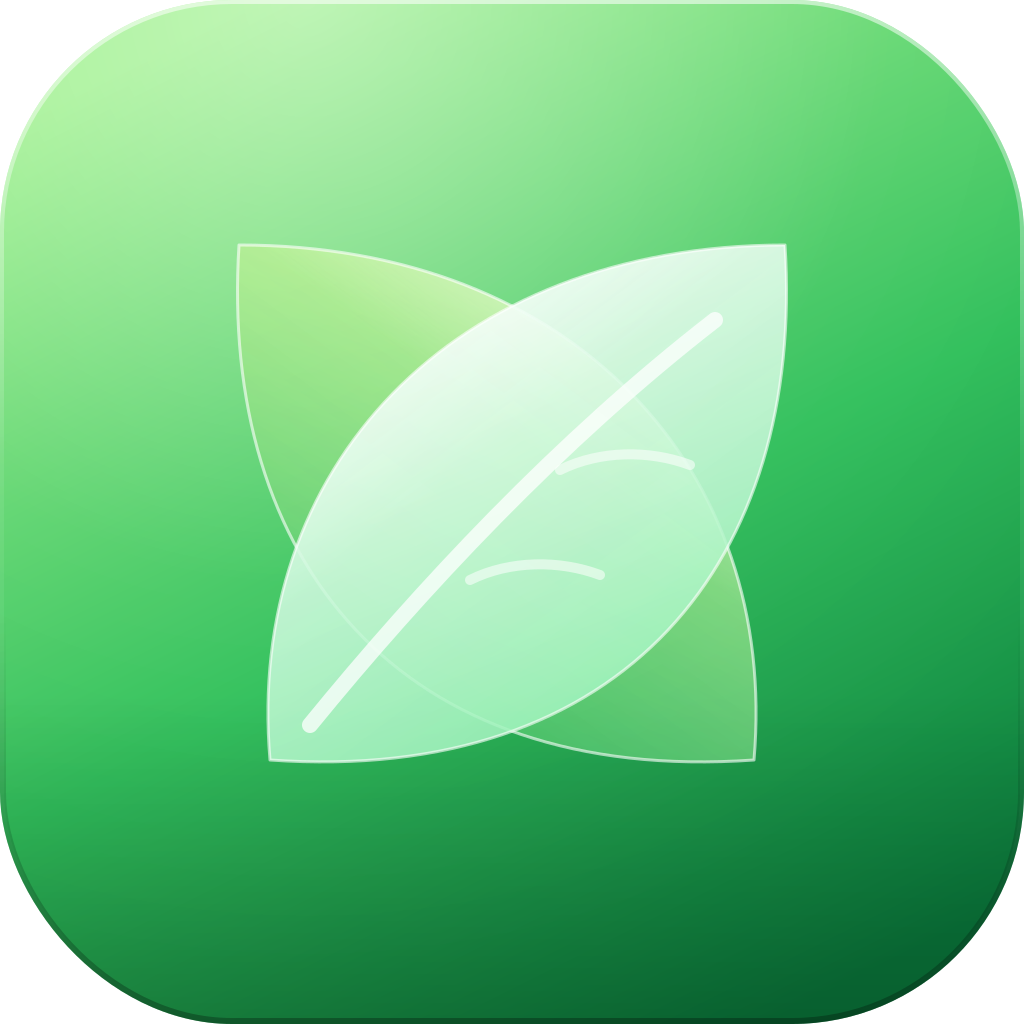
Every icon, built from layers you can still edit.
Example icons in a glass style. Each one is a stack of vector shapes, so you can change a gradient or a glyph without touching the rest.
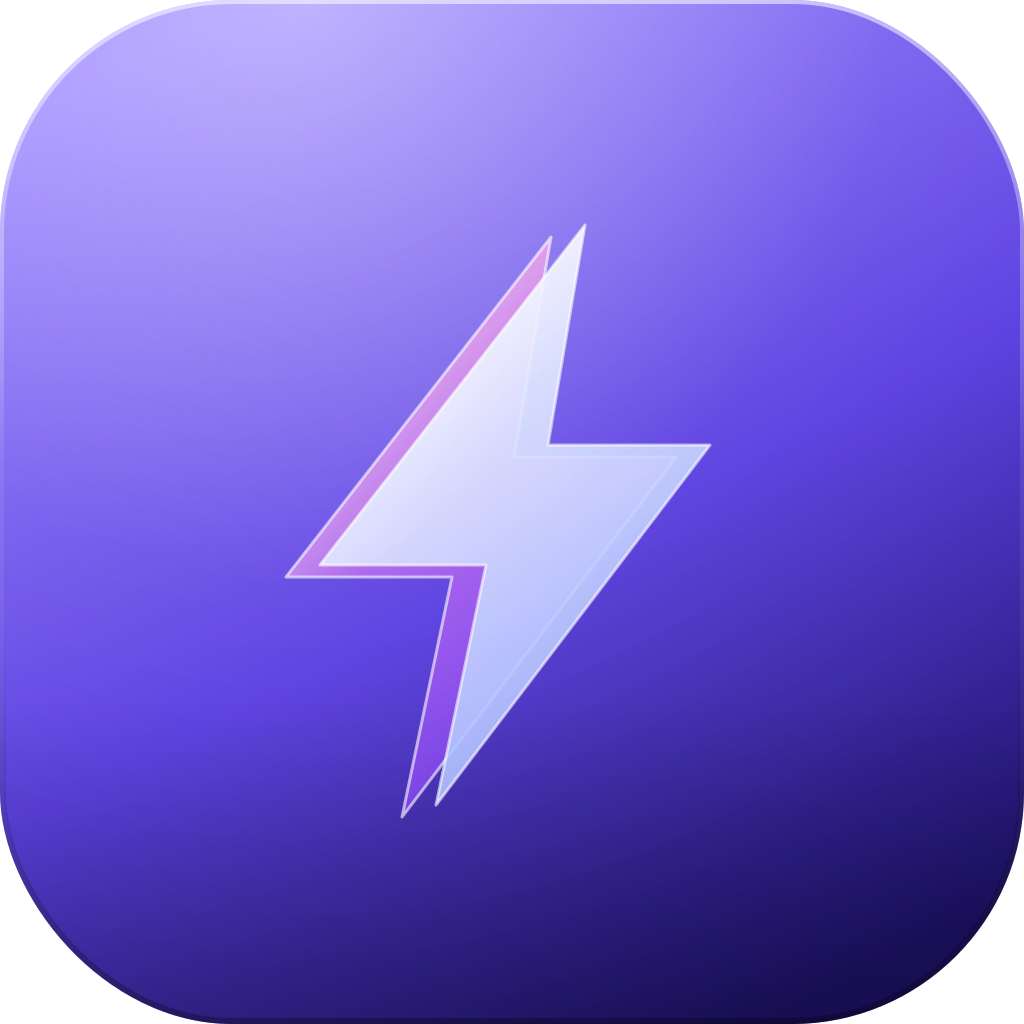


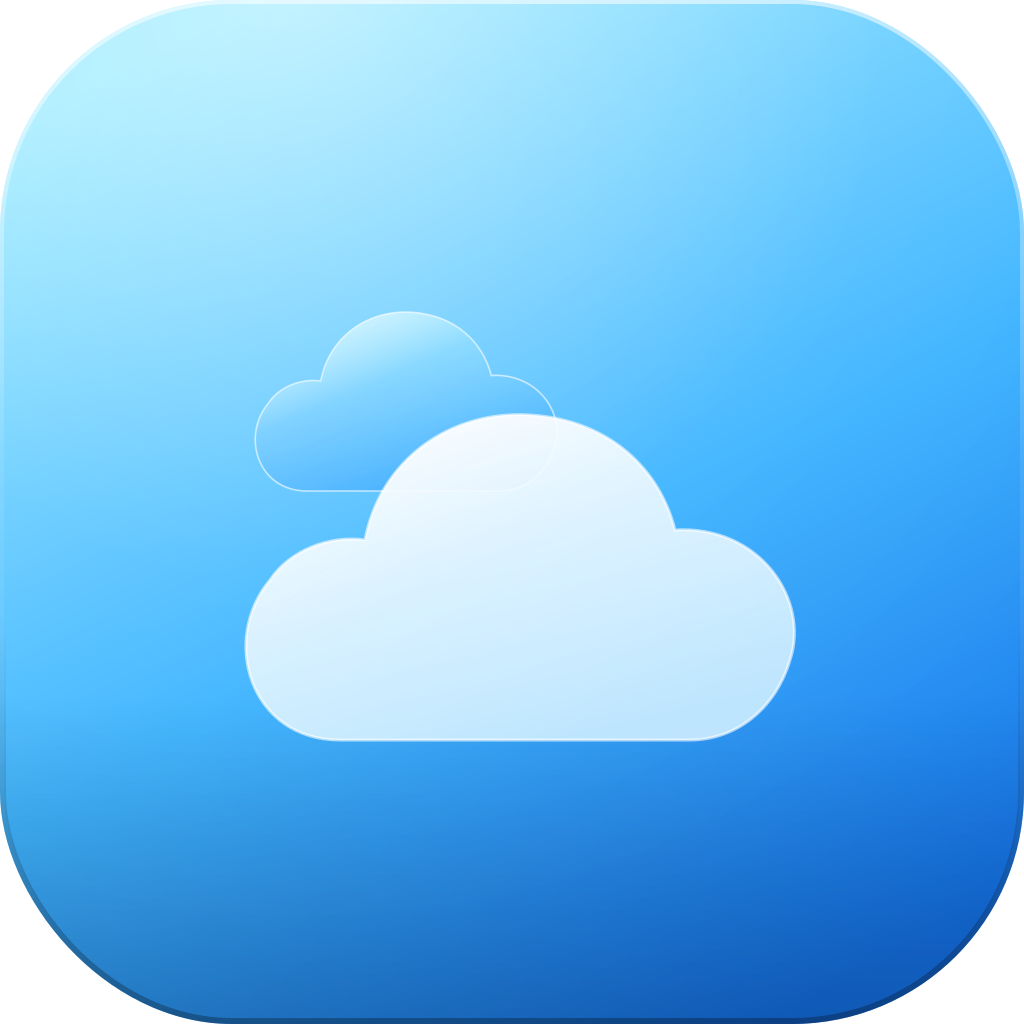





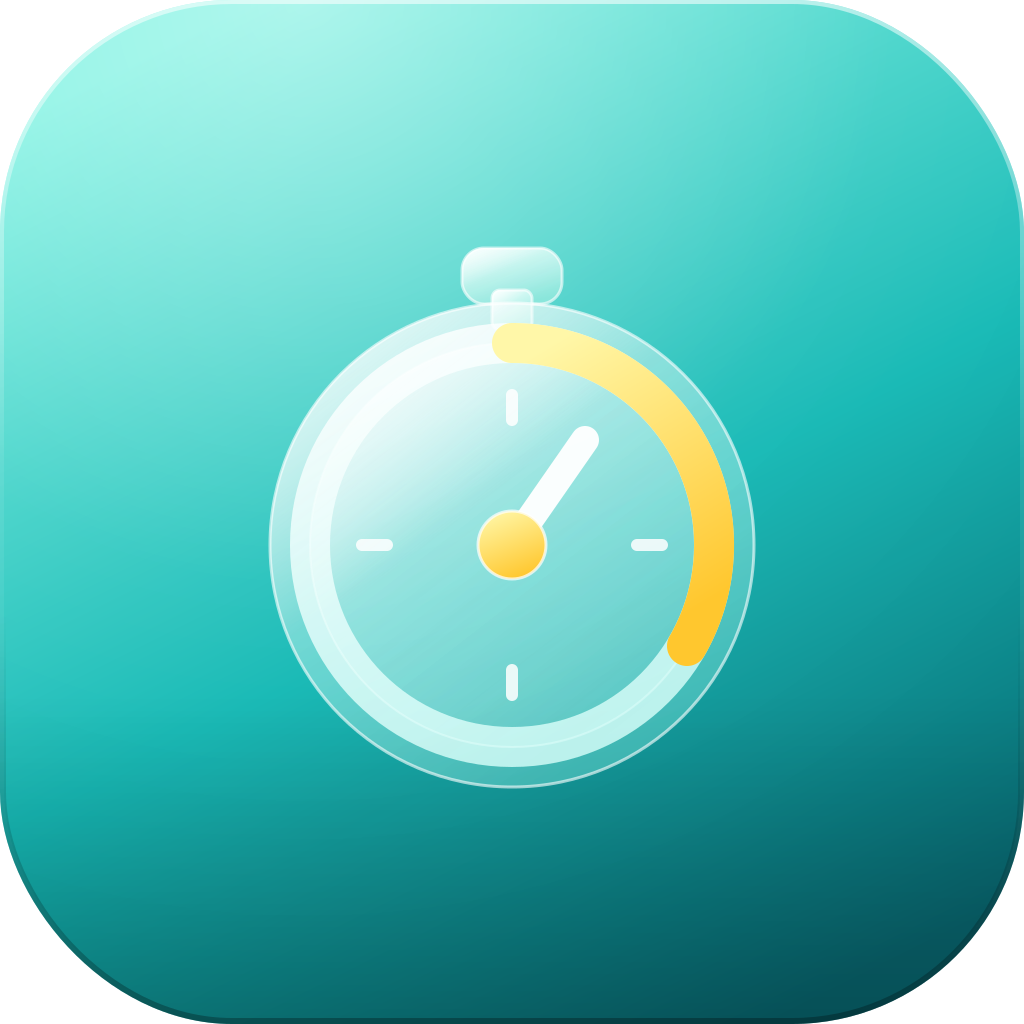
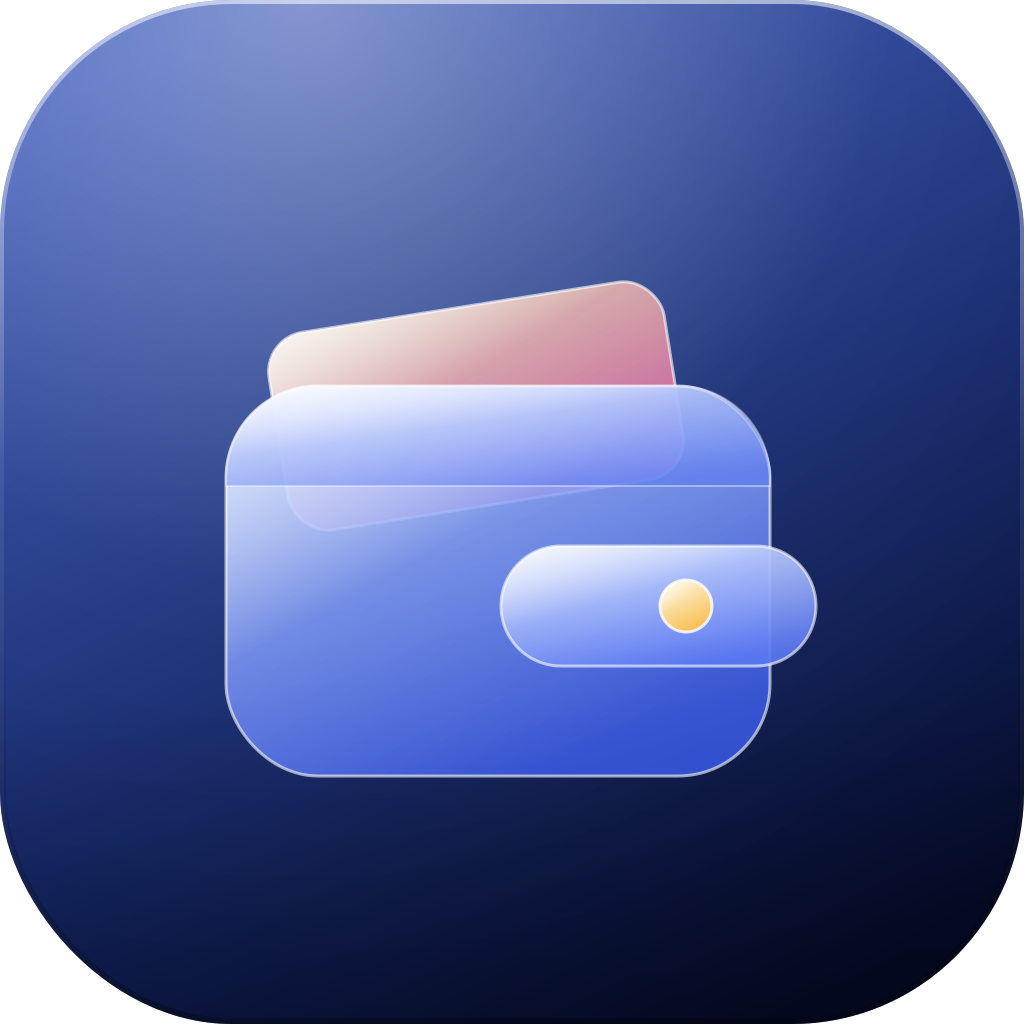








Draw it, or say what you want.
Two ways in. Both end with shapes you can select, move and recolor.
Draw it
Sketch a rough shape and Kivo turns it into a clean one. Then move it, resize it and change its color like any other shape.
Describe it Coming
Type what you want. You get separate layers, not a flat picture, so you can change one part and leave the rest.
One icon for every platform.
Each platform rounds the corners its own way. Kivo keeps your layers, so one design fits the rounded square and the circle, in a light, dark or tinted look.


Questions, answered.
What is Kivo?
A vector editor for logos and app icons. You draw a shape or describe one, then change it one layer at a time.
Do I have to draw everything myself?
No. You can draw in the editor, or describe the icon in a chat and let the AI draw it. Describing is coming soon.
Can the AI change just one part?
Yes. Pick a layer and say what you want. The other layers stay as they are.
Are the shapes still editable after the AI draws them?
Yes. The AI gives you separate vector layers, so you can move, recolor or redraw any of them by hand.
What can I export?
SVG, PNG or a full icon set.
Which platforms is the icon for?
iOS, macOS, Android and the browser favicon. Kivo keeps your layers, so one design fits each shape.
Start your next icon.
Open Kivo in your browser and put your first shape on the canvas.